
Appearance
Getting started
From the zip to your first WhatsApp conversation in about an hour. Most of that time is spent at Meta, not in Desorix.
What you need
- Hosting: PHP 8.3 or newer, MySQL 8 or MariaDB 10.6+, one cron job, and HTTPS. Ordinary cPanel hosting is fine. See Requirements.
- A domain or subdomain for Desorix, for example
chat.example.com. - A phone number for WhatsApp that isn't in use on the WhatsApp or WhatsApp Business app. If it is, delete that WhatsApp account in the app first.
- A Meta Business account (free) and a payment method for Meta's message charges.
- Optional: an Anthropic or OpenAI API key for the AI assistant.
The steps
| Step | Where | Time | Guide |
|---|---|---|---|
| 1. Install Desorix | cPanel and your browser | 15 min | Install on cPanel |
| 2. Add the cron job | cPanel | 2 min | Install on cPanel → cron |
| 3. Create the Meta app, number and permanent token | Meta | 30 min | Connect WhatsApp |
| 4. Connect the number in Desorix | Desorix → WhatsApp → Connect WhatsApp | 5 min | Connect WhatsApp |
| 5. Invite your team | Team → Invite member | 2 min | User guide |
| 6. Create or sync templates | Templates | 5 min, plus Meta's review | User guide |
Then send a message from your own phone to the business number: it appears in the Inbox within seconds.
Ideas worth knowing first
- Workspaces keep teams and their data apart. Each workspace has its own numbers, contacts, templates and settings. One person can belong to several.
- Roles:
- Owner and admin: run the workspace.
- Agent: answers chats.
- Viewer: sees reports.
- Platform administrator: looks after the whole install under Administration.
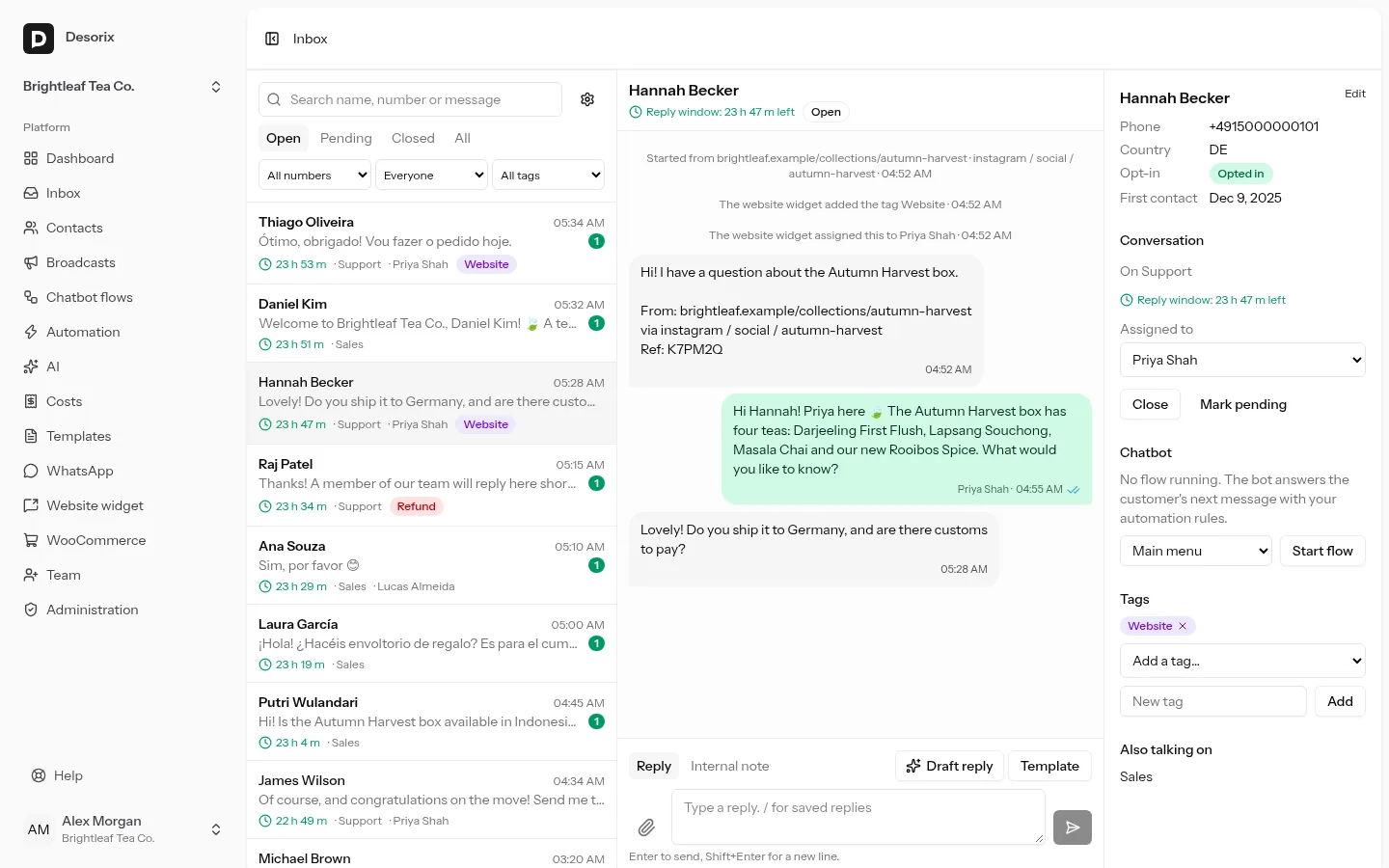
- The 24-hour window: you can reply freely for 24 hours after the customer's last message. After that, or to start a conversation, WhatsApp only allows an approved template. The inbox shows the countdown and switches to templates by itself.
- Costs: Meta charges your WhatsApp Business Account per delivered message, by category (marketing, utility, authentication, service) and country. Desorix records an estimate for every outgoing message and the final cost when Meta reports it. See Costs and alerts.
Next
- Automation and chatbot flows: keyword replies, welcome and away messages, business hours, chatbot flows.
- Set up the AI assistant: drafts for agents and auto-replies from your own documents.
- Website chat widget and the WordPress plugin: a chat button that records which page and campaign each chat came from.
- WooCommerce: order updates on WhatsApp.